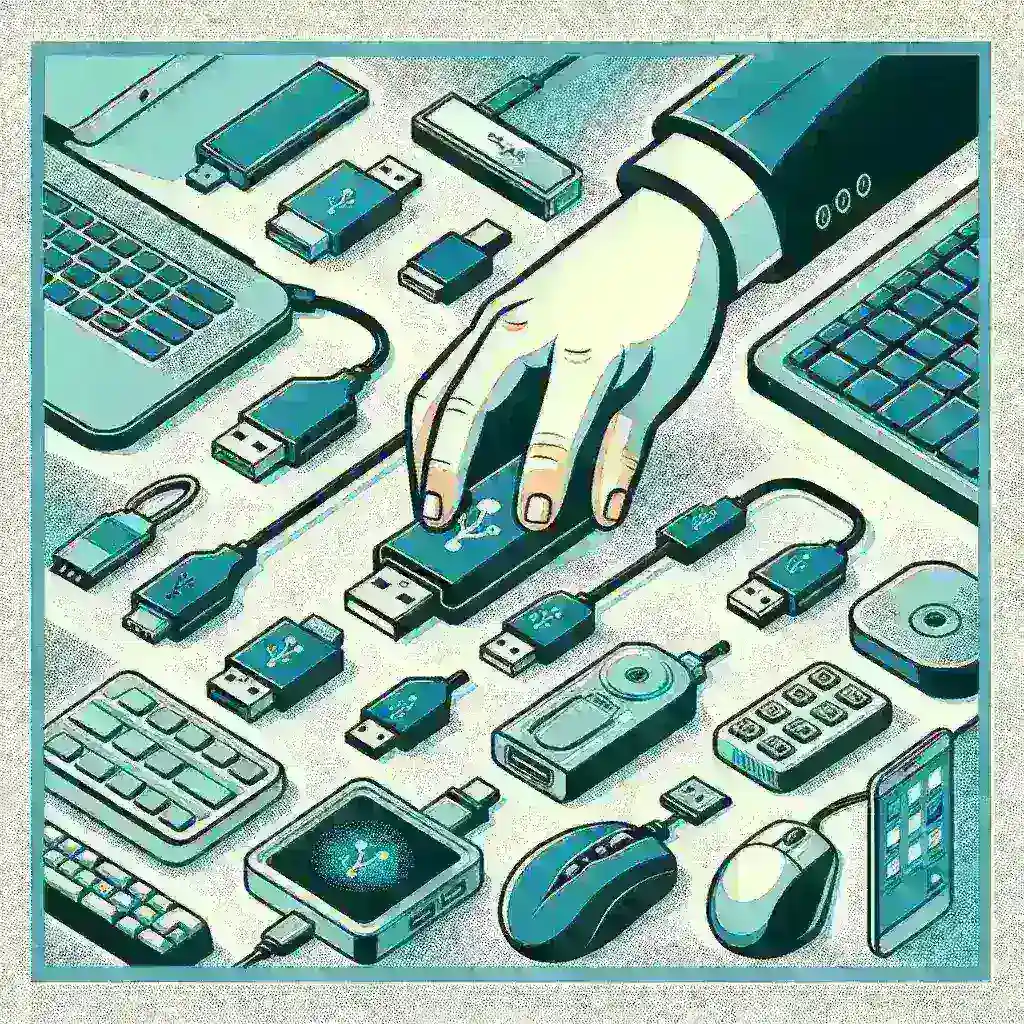
Understanding USB Technology
Before diving into how to use USB devices, it’s essential to understand what USB, or Universal Serial Bus, technology entails. USB serves as a standard for cables, connectors, and protocols for connection, communication, and power supply between computers and peripheral devices.
A Brief History of USB
Launched in the mid-1990s, USB technology was developed by a group of companies including Intel, IBM, and Microsoft, aiming to simplify the connection of peripherals to personal computers. Over time, USB has evolved with various versions and types like USB 1.0, 2.0, 3.0, and the latest, USB-C, providing faster data transfer rates and enhanced power delivery.
Types of USB Connectors
There are several types of USB connectors designed for different devices and purposes:
- USB Type-A: The most common connector, found on one end of almost every USB cable.
- USB Type-B: Typically used for printers and other powered devices.
- USB Type-C: A reversible connector that supports faster data transfer and higher power output.
- Micro USB: Commonly used for mobile devices and smaller gadgets.
- Mini USB: An older standard mostly replaced by Micro USB and USB-C.
How to Use USB Devices: A Step-by-Step Guide
Step 1: Choosing the Right USB Cable
Select a USB cable that matches the ports on both your device and your computer. Ensure compatibility by checking the cable type (Type-A, Type-B, Type-C, etc.).
Step 2: Connecting the USB Device
Plug the USB device into the corresponding port on your computer or other device. If your device supports USB-C, the connector is reversible, making it more convenient.
Step 3: Installing Drivers (if necessary)
Some USB devices may require specific drivers to function. Install any necessary software provided by the manufacturer or download it from their official website.
Step 4: Transferring Data
After connecting the USB device, you can transfer data by dragging and dropping files from your computer to the device or vice versa. Ensure you safely eject the device before unplugging to prevent data corruption.
Step 5: Charging Devices
Many USB cables also serve as power cables. Connect your device to a power source using a compatible USB cable to charge it. USB-C cables often support faster charging speeds.
Advantages of USB Technology
- Versatility: USB cables are versatile, supporting a wide range of devices and functions.
- Ease of Use: Plug-and-play functionality simplifies the user experience.
- Speed: Newer USB standards offer high-speed data transfer rates.
- Power Delivery: USB-C cables can deliver substantial power, charging laptops and other large devices.
- Universal Standard: USB is a widely adopted standard, ensuring compatibility across numerous devices.
Future of USB Technology
USB technology continues to evolve, with innovative advancements on the horizon. The new USB4 standard promises even faster data transfer rates, improved power delivery, and better compatibility with Thunderbolt 3 devices.
Predictions for USB Technology
Experts predict that USB technology will further integrate with wireless capabilities, potentially eliminating the need for physical cables in certain scenarios while maintaining speed and efficiency.
Conclusion
Understanding how to use USB technology efficiently can significantly enhance your interaction with various devices. From simple data transfers to complex charging solutions, USB remains a pivotal component in modern technology. By following the steps outlined in this guide, you can maximize the utility of your USB devices effectively.
Deixe um comentário